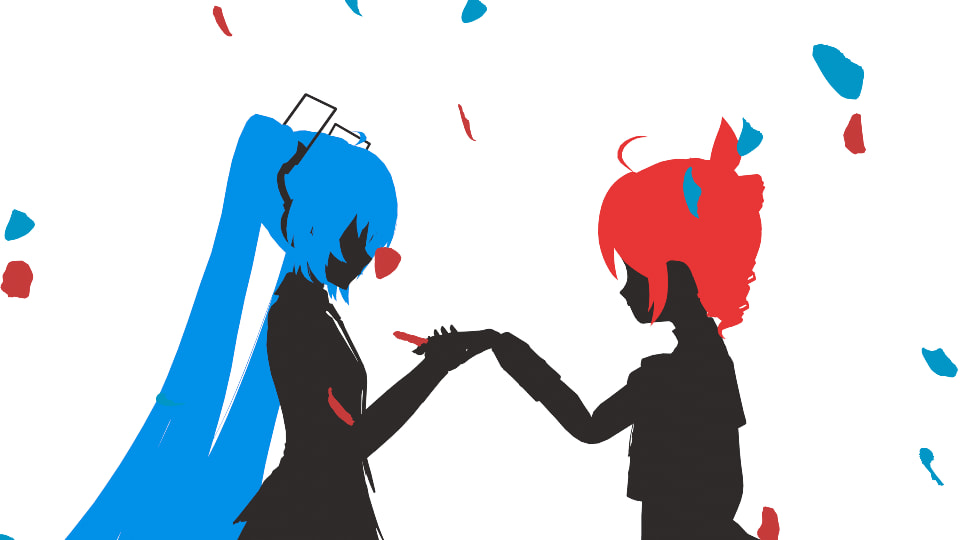
無限遠の君へ (To You Who Are Infinitely Away) / 重音テトSV
Video
Lyrics
Japanese
あの日君と見た星を
見つけることもないままに
きっと厚い雲の奥に
隠れてしまったんだろう

風が君を忘れる前に 書き残した
やがて 月の明かりが
ほら夢を覚ますように 照らす

雲の向こうから届く灯を
まだあの頃の 君がいますように
薄雲の切れ端の向こう
君は そこにいるのですか?


摂動が君の道を変えて
僕らが交差する日があるなら
僕は君に何を言うだろう
口数が多くなりそうだね

君が僕を思い出すように 書き記した
やがて 時が辺りを
そう、惨く掘り起こすとしても

そこから僕が見えますか?
この線分が意味を成してますか?
見えるなら返事がほしい
君は そこにいるのですか?

(間奏)

迷える時を同じくして
まだこの海を泳ぎ続けるのに
もう二度と会えないなら
せめて そらに歌おうか
English
Free translation of Lyrics:
There may be the stars,
I saw with you in those days, which I haven't find since then.
Perhaps, it must have been hidden behind the thick clouds.

Before the wind forgot you, I wrote them down.
Eventually, the light of the moon shines on me as if it's waking me up from a dream.

Lights are casted among through the clouds.
I hope you remain the same as you were.
Beyond the edge of the thin clouds,
I wonder if you are still there.

If a perturbation changes your path and we cross our ways,
what will I say to you?
I have a lot to talk about.

In order to remind you of me, I wrote it down.
Even if the time eventually digs up everything cruelly...

Can you see me from there?
Do these lines make sense to you?
If you see something, I want your answer.
I wonder if you are still there.

[Music]

Though we're straying in the same time
and we have to continue to swim in these oceans,
I know we'll never meet again.
So, at least, let me sing to the skies.

[The song of two]
Note
- I thought it would be confusing without visuals, so I worked hard to create the music video.
- “Perturbation” is a phenomenon where a planet’s orbit is disturbed by the gravity of other celestial bodies. I’m comparing the two people’s lives to planets.
- The last “sora” (そら) means both “sky” (空) and “emptiness/void” (虚). (Shut up~)
Video Creation Notes
Note
Since this part was sooo long, I translated it by Claude 4.5 sonnet.
Here are some notes on searching for and creating motions, as well as some Blender usage tips.
Motion Search
I found people distributing waltz motions, but there were issues with model height differences and tempo, and the motions weren’t quite what I wanted, so I ended up creating them myself.
I also searched for motions for other scenes, but there’s no way I’d find exactly the motion I wanted, so I basically had to create them myself.
However, I borrowed walking and running motions since they’re highly versatile. Still, I had to create the stopping parts for walking and running myself.
Motions I Created
Since I made so many, I’ll post them as proof of my efforts.
Stopping → Picking up a flower / Stopping → “Wait a moment” pose
This is the intro part. I used the walking motion mentioned above, but I created the stopping part myself. I guess people will say that’s why it looks unnatural.
The motion of picking up the flower is achieved by attaching the flower to the hand. Blender has a feature called Constraint that allows you to correlate positions between objects. By enabling this at a specific timing, it looks like the flower is being picked up.
Looking at the “wait a moment” pose now, I could have done a bit better.
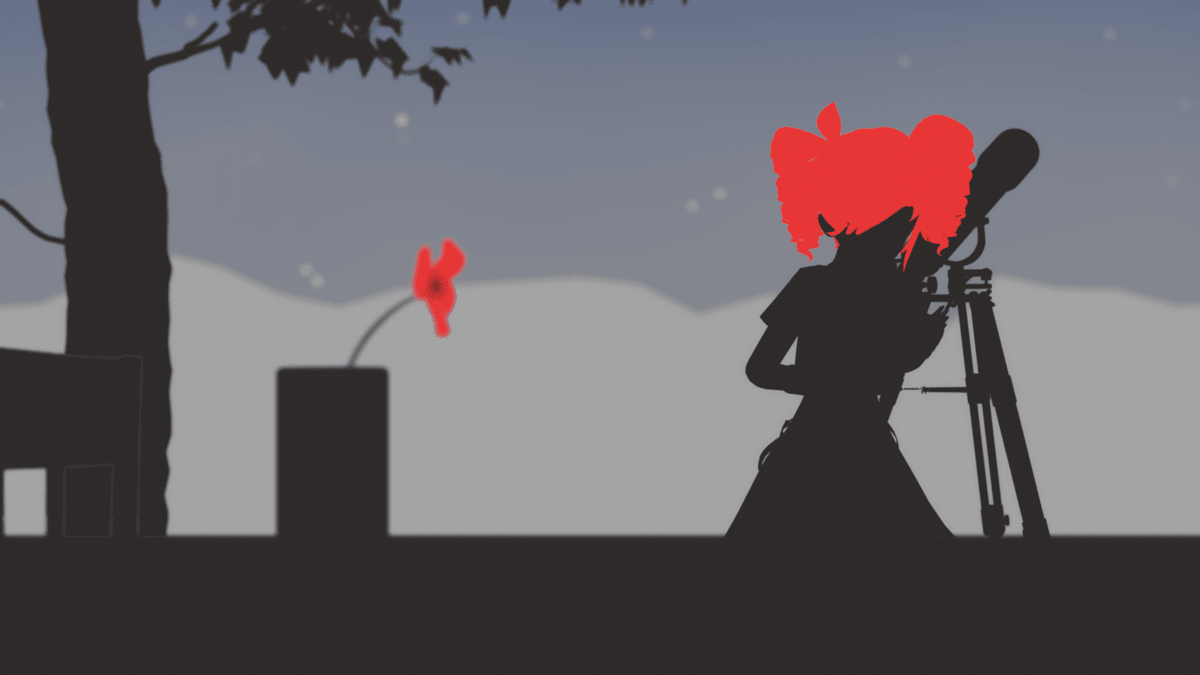
Looking through a telescope
The telescope is a model I borrowed using BlenderKit. If she were just looking through the telescope, staying still would be fine, but I wanted to show confusion as if unable to see well, so I created a motion of fumbling around in front of the telescope.
Thanks to making it a silhouette, just moving the hands and neck made it look pretty decent.
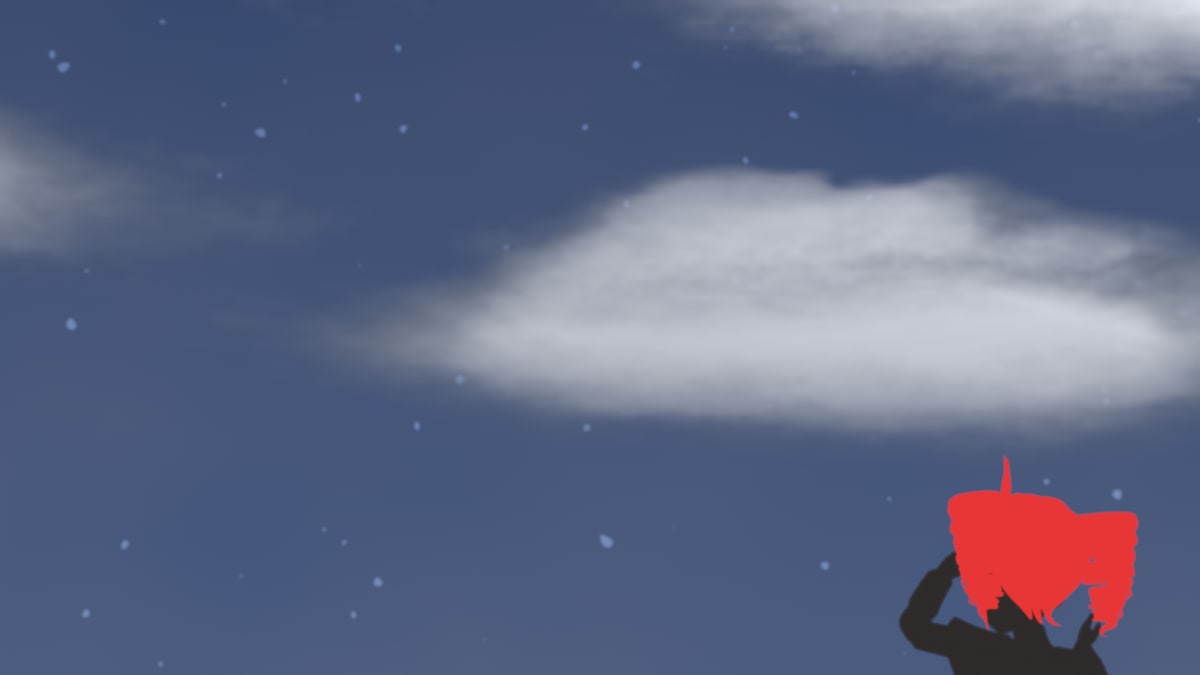
Looking up at the sky
I considered using binoculars here, but with a back view + silhouette, I thought it would be better not to use binoculars, so I made a motion of looking into the distance with the naked eye.
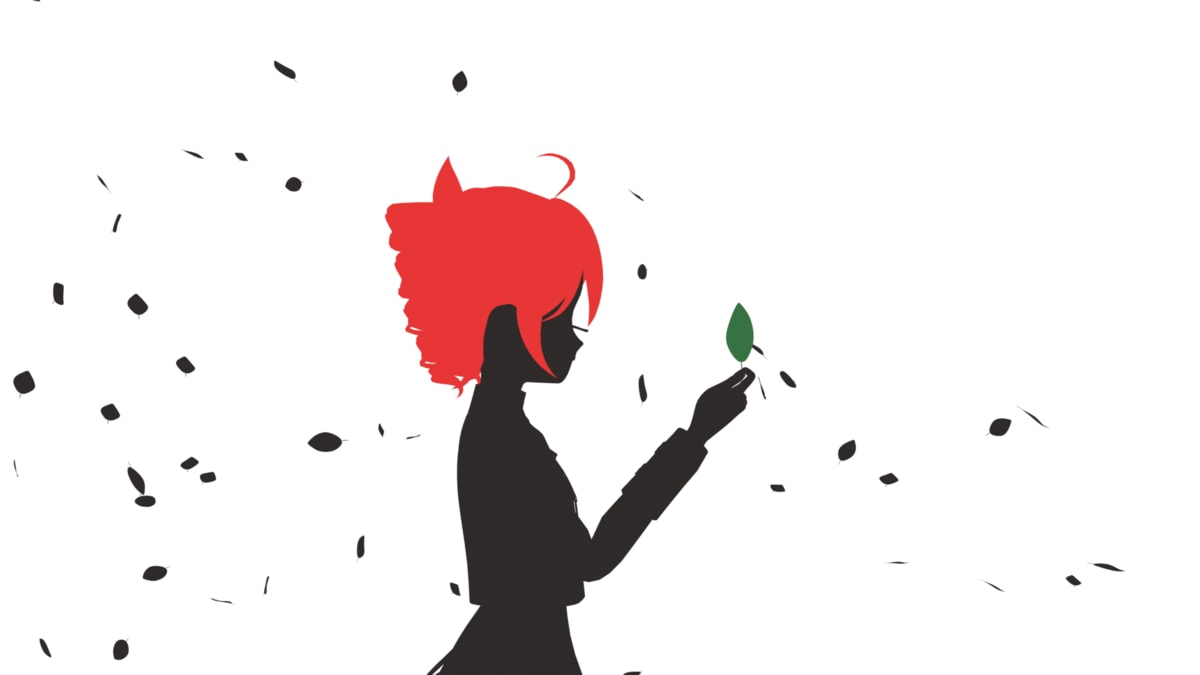
Leaves and wind
I created this part thinking it would look nice to use leaves for a scene transition. There’s no way there are standalone leaf models, so I made the leaves myself. I considered borrowing leaves from free tree models, but tree model leaves are often realized as images and couldn’t be adapted for this use, so I made them myself.
The way leaves are blown by the wind was achieved using Blender’s Physics simulation. You can specify an effect called Drag that makes light objects like leaves get blown away, and it’s quite powerful. Then I set up the ParticleSystem to generate lots of models and created Wind to make them sway in the breeze.
However, this alone wasn’t enough for a screen transition, so I manually created a motion for the part where the leaves stick closely to the camera. It’s surprisingly difficult because the sense of distance from the camera is hard to grasp.
I also created motions for the part where she’s holding a leaf in her hand and where colored leaves are blown away. This was easier because the distance from the camera was fixed.
Writing something / Leaf falling
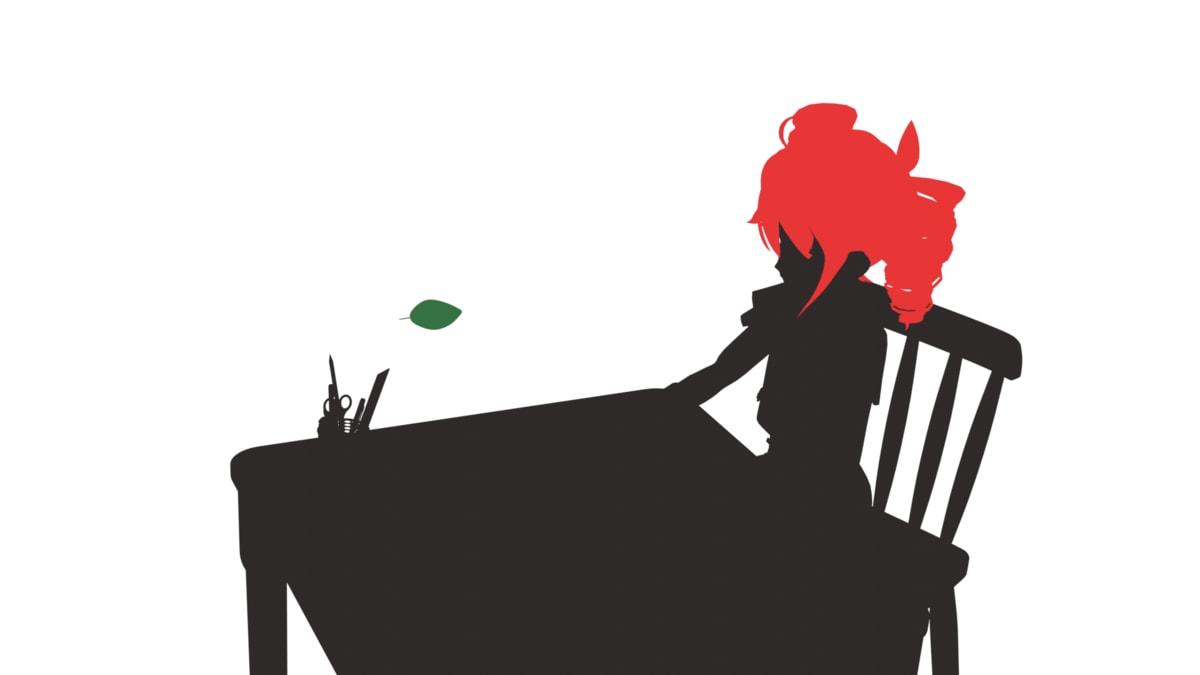
She’s writing something at a desk. It’s all black so you can’t see anything, but there’s actually a notebook there. I made the hands and eyes move, but now I realize it could have been more realistic if I had added upper body movement.
I think the leaf falling motion came out pretty nicely. However, the scene itself is short, so it’s just a moment in the video.
Gazing at the window / Turning around to sing
For the part gazing at the window, I really wanted to open curtains, but I didn’t feel like I could achieve that, so I ended up using an unnatural window where you can see the sky from the beginning.
The motion of moving toward the window is achieved by just moving the model’s position itself. If you look at walking motions, to make it walk naturally you need to move the entire body including arms, shoulders, and hips, but fortunately it’s a silhouette so I don’t think there’s anything too unnatural about it.
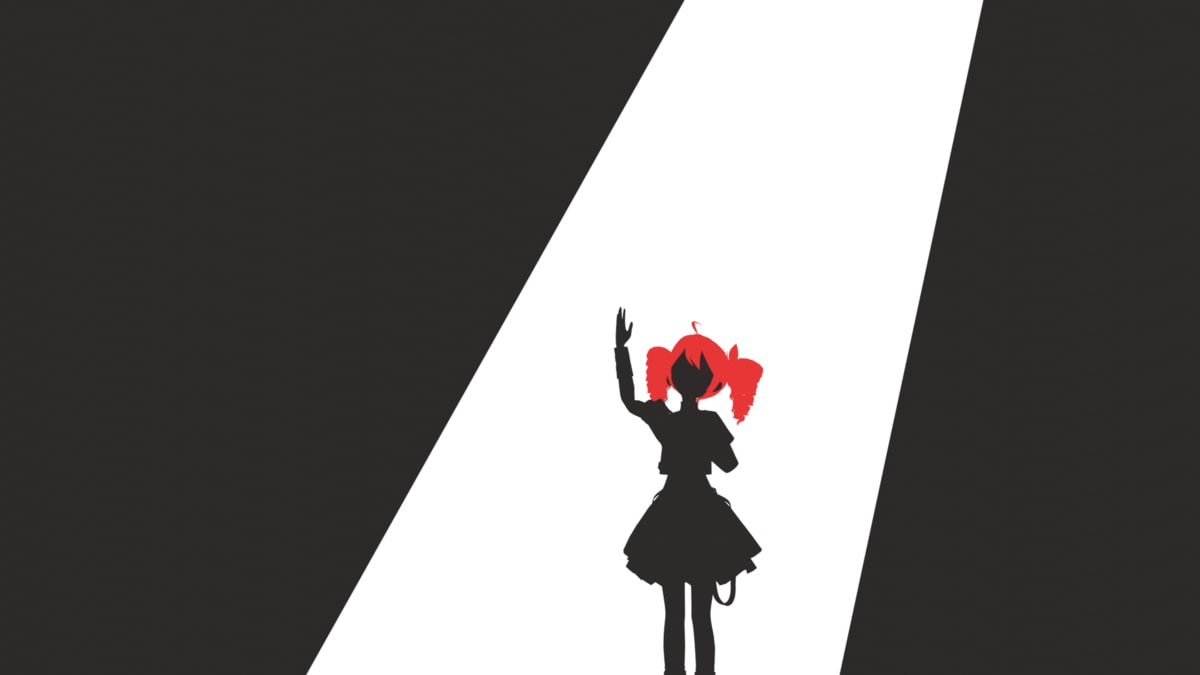
After that, for the part where she turns around to sing, I also created a turning motion (center of gravity shifts). However, this scene moves suddenly, so I was worried it might look a bit comical. Maybe I lifted the arms too much.
Singing motion
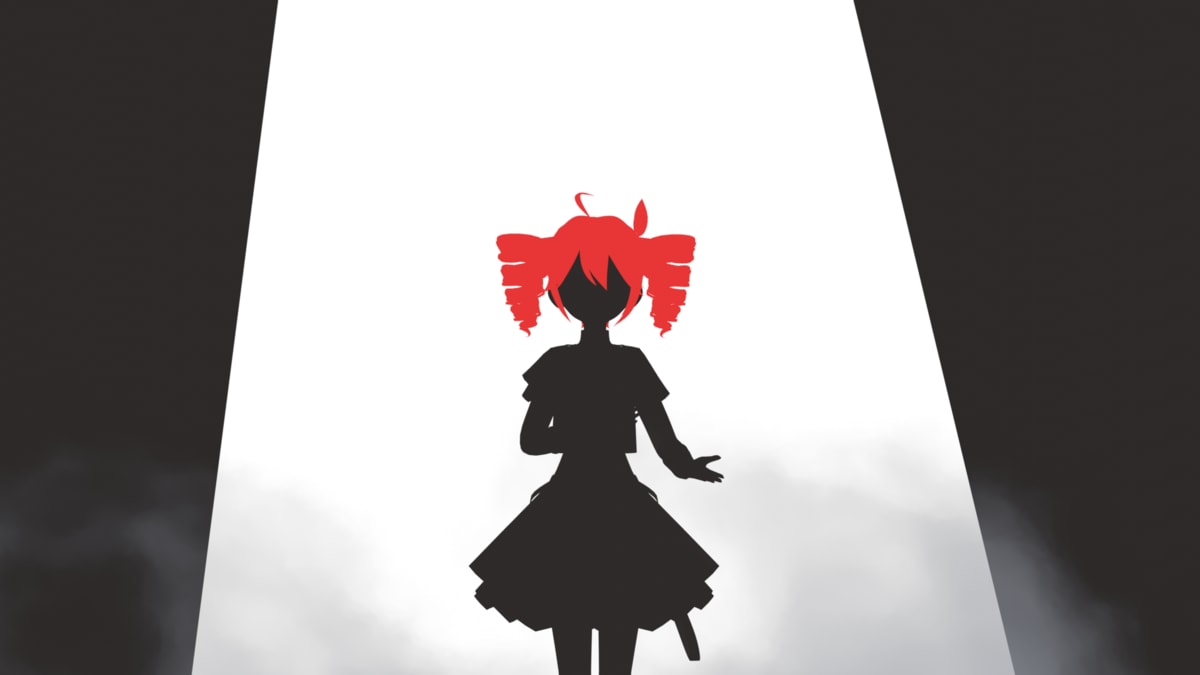
In Blender, it’s quite difficult to synchronize movements with sound due to 3D model rendering, so the overall sound synchronization is a bit iffy in places. Especially the singing motion in the first chorus was my first time creating a motion synchronized to sound, so it might not match very well.
Also, in the parts where high notes are being sung, I tried to express a straining appearance. Since it’s head voice, she’s also shaking her head. The camera is a bit far away, so I’m shaking it quite exaggeratedly.
Embracing a flower
It kind of looks like making the sign of the cross, which was a bit odd. I didn’t struggle much with this part.
(Walk → Run) → Stop → Disappointment
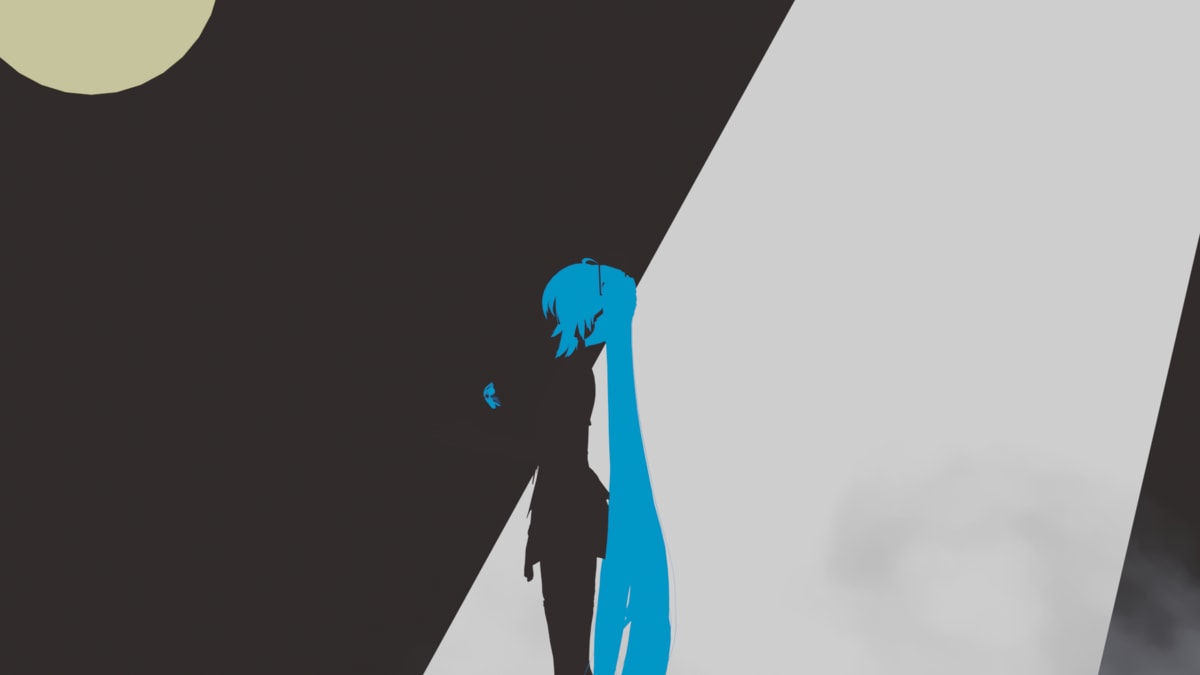
I borrowed the walking and running motions. The parts after that where it suddenly stops and shows disappointment are self-made, so the quality suddenly becomes, well, you know.
Stopping is surprisingly difficult - you need to gradually reduce the movement of various bones that were being moved during running while also reducing the distance traveled, and finally stop the motion when the feet come to rest in the proper position.
Also, to make it look natural, I made the body lean forward a bit before stopping. It’s like robot dancing (is it the same?).
I also created a waving motion, but that’s just moving the arms, so there’s nothing particularly difficult about it.
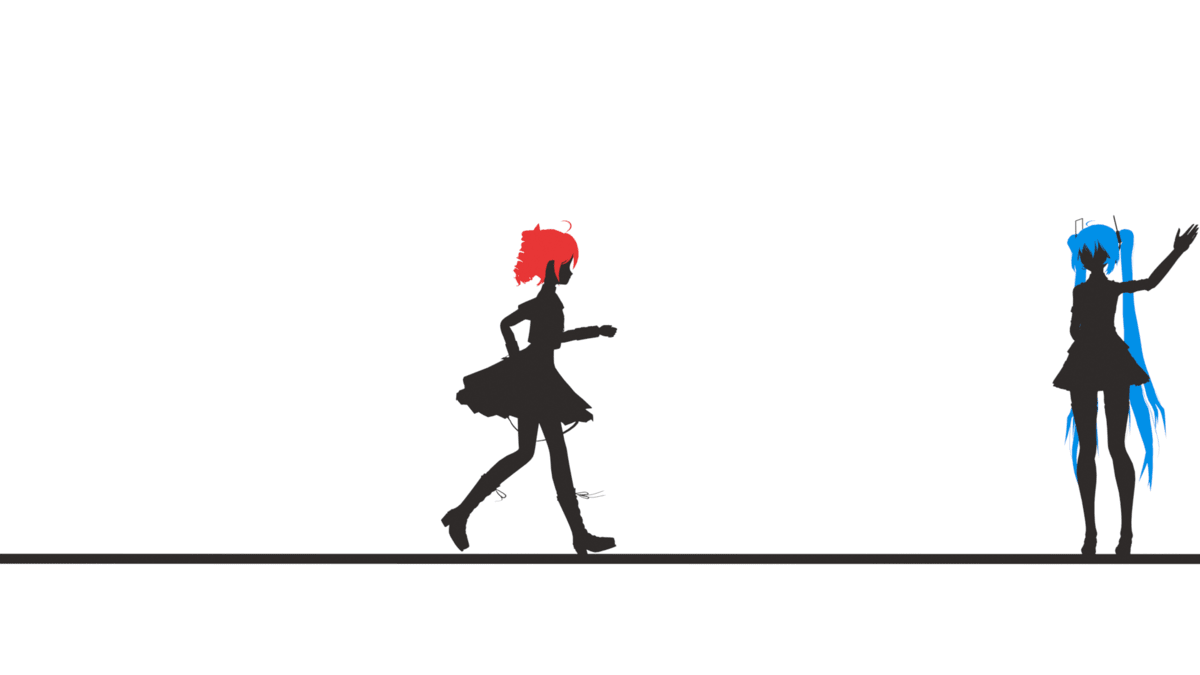
(Walk) → Glancing
She’s glancing at a shovel along the way. I don’t know if I can call a mere glance “motion creation.”
Digging
I don’t really know if you use a shovel to write letters on the ground, but she’s using it here. The motion of forcefully stabbing the shovel is more about creating impact (shock) than being smooth, so it’s a movement that starts suddenly and stops suddenly.
Lifting the shovel was subtly difficult. Remember that if you don’t properly set the center of gravity position for objects, you’ll struggle with motion creation.
Also, it’s sad that despite all the effort I put into making it, it’s mostly cut off due to the staging.
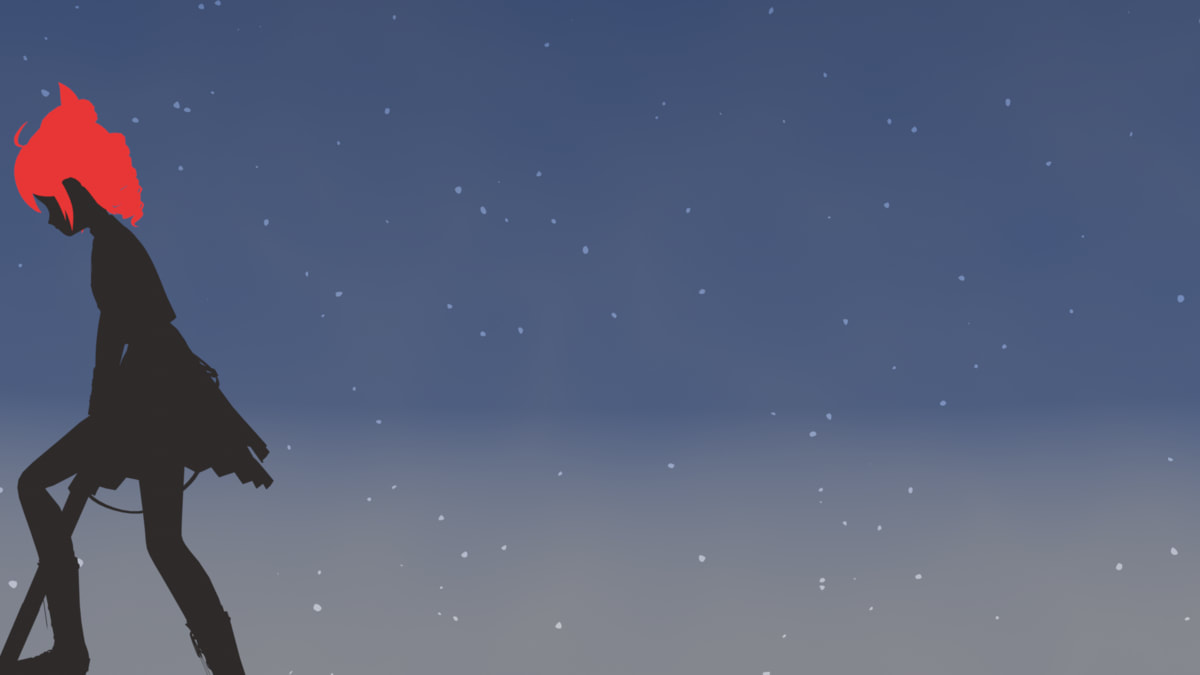
After that, when placing the shovel upright on the ground, the camera pulls back, so I slacked off. Only the arms are moving.
By the way, 0401 is a tattoo on Kasane Teto’s arm. The 01 is underlined because it’s Hatsune Miku’s number. A cryptic message like “you and I.”
Waving both hands → Waving one hand
A scene waving hands toward the sky. Just waving hands.
Ground deformation → Ground cracking
For ground deformation, I’m using something called Geometry Node. Geometry Node allows you to deform meshes and such using a node editor like Blender’s materials. Like materials, there are a huge variety of node types, so I can only use it to the extent of blindly accepting information that comes up when I Google.
In Geometry Node, you can specify Input parameters, so I’m animating it by changing them over time. I’m also moving Teto along with it, but this was easy since it’s a still frame. It’s like getting into an unstable posture along with the ground changes.
For the ground cracking, I first finalize the Geometry Node and then use an add-on called Cell Fracture to divide it into small pieces. After dividing, by setting Rigid Body to Active, they can interfere with each other. However, they would just collapse as is, so I placed invisible RigidBodies around Teto to give initial movement. As a result, the center part cracks while other parts are pushed outward.
Also, if left as is, all parts would fall immediately, so I’m combining various Force Fields to keep them in a floating state as much as possible. Visually, I want to show them falling, but making everything fall while moving the camera at the same speed would be quite difficult, so I’m creating a sense of falling by keeping the position fixed while making the hair flow and moving the background.
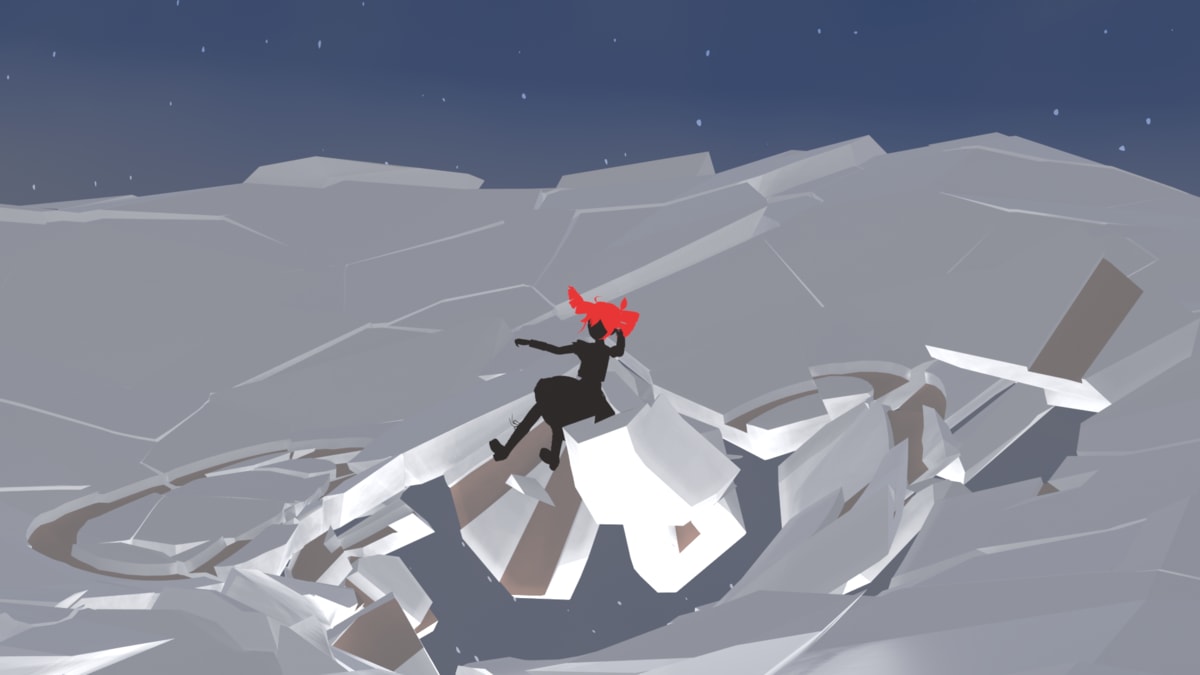
Floating motion / Accordion performance
Floating itself is easy, but I was more worried about what to do with the camera work. Ultimately, I prepared a circular Path based on a target and moved the camera along it, and I got hooked on this - circular camera movements are used extensively from this point on in the MV.
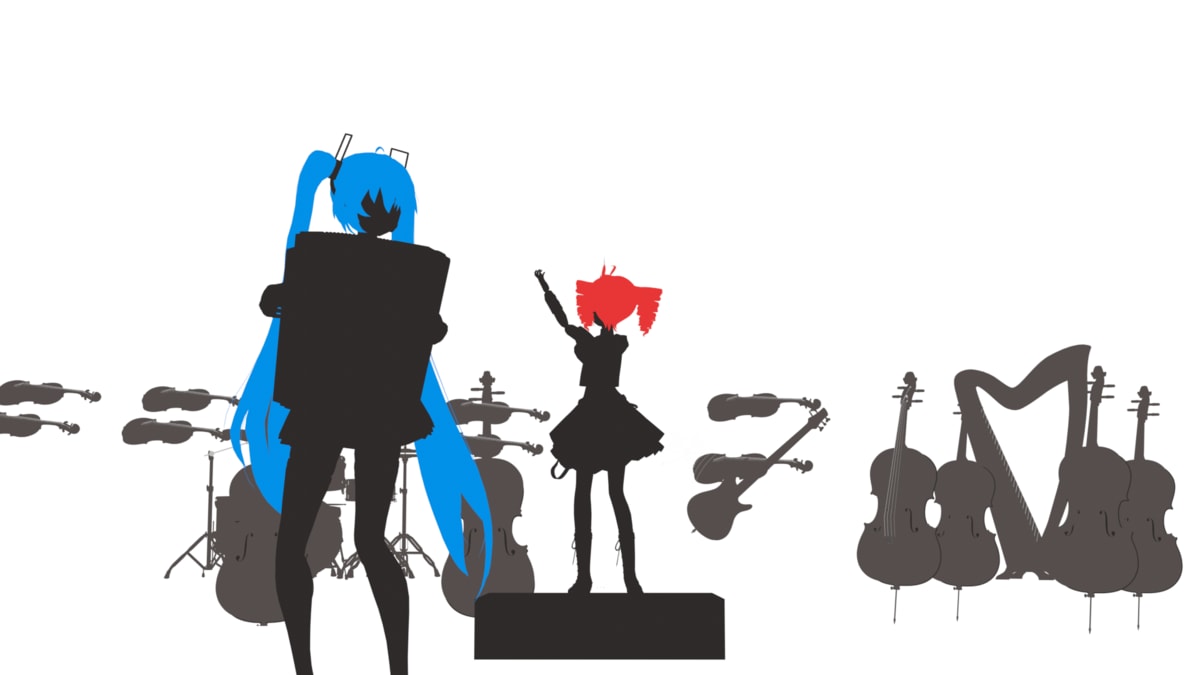
Miku is playing the accordion, but I’ve never played an accordion, so the motion is quite rough. I figured it’s fine as long as you can tell the hands are moving to the music, so they’re moving quite exaggeratedly.
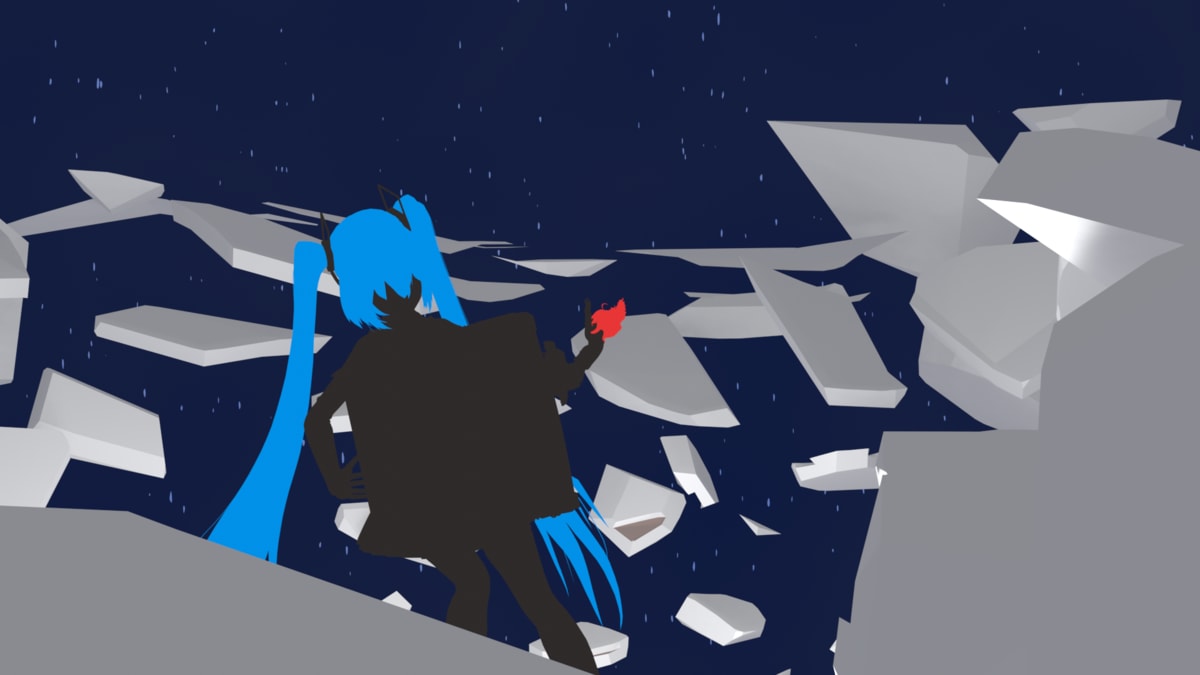
Conductor motion / Accordion performance → Jump
For the conductor motion, I tried moving my body several times and created the motion from that. When moving the body smoothly, almost all joints move in coordination, so it’s quite difficult. Also, when there are whip-like bending movements, you need to slightly offset the bone movements.
And synchronizing this to the rhythm is quite difficult.
The accordion performance itself was fine since I made it by copying the floating part mentioned above, but the jump part is still at a level where I wonder “Is this correct?”
I’m trying to make it look natural by adding a wobbly motion after landing and a motion of glancing at where something happened.
Instead of making the jump simple, I made it a spinning jump, which became troublesome, but the “all parent” bone and the center bone gradually shift apart, making rotation around one’s own body axis difficult. Maybe doing everything with the center bone is the right answer. I don’t know.
By the way, the reason the head is tilted during the jump is because otherwise the twin tails would get tangled with the accordion. It looks weird now.
Sound synchronization
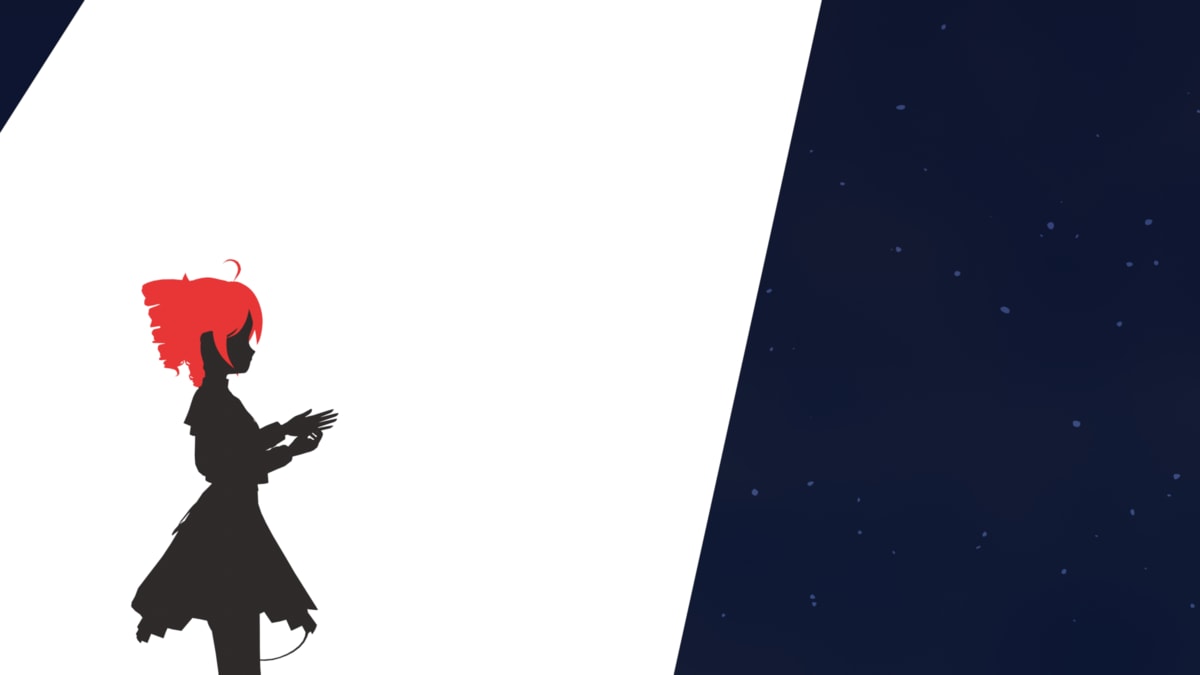
In the part after the interlude, I’m moving the background and camera in sync with the sound. The spotlight part is actually just drawing white shapes, but it was difficult to move them along with the camera. I could do it using Constraint, but depending on the camera movement method, it couldn’t follow, so I gave up on some parts and turned the spotlight off once.
The singing motion is slightly different from the first one, but you know, who cares about that, right?
Dance motion
I researched by searching for “ballroom dance waltz.” I knew nothing, so I only learned at that time that the pose I wanted to end with is called “Throwaway Oversway,” a “Picture Pose.” What’s that, a special move?
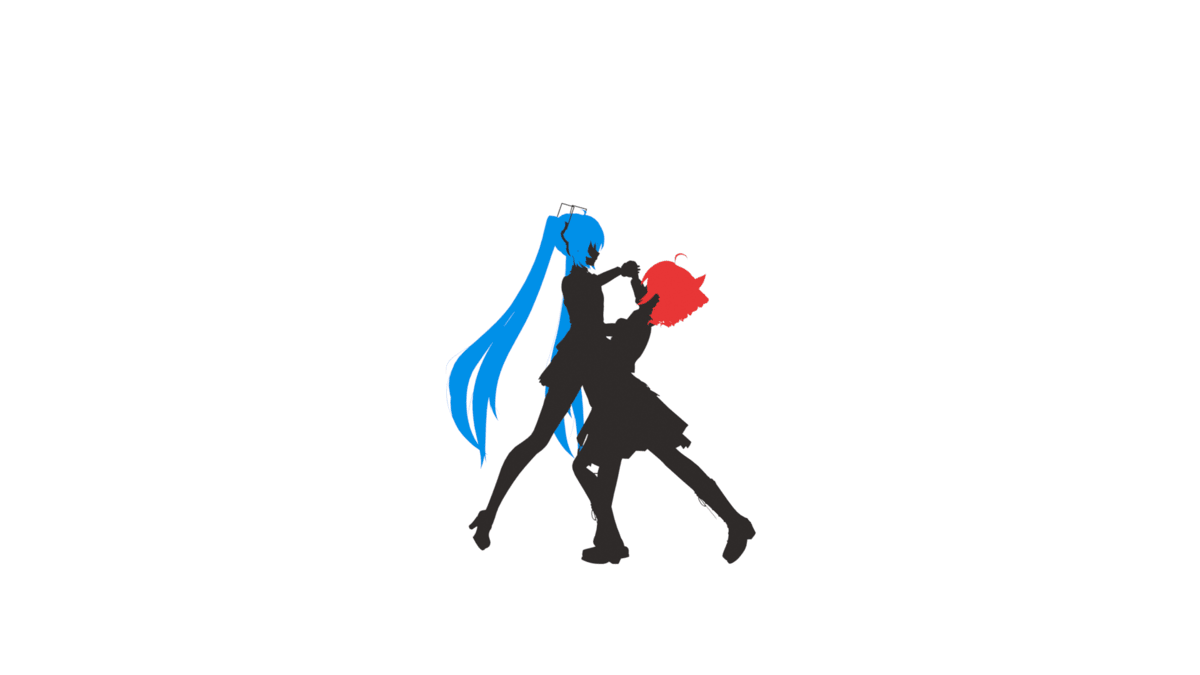
I feel like having a bit more height difference would make a prettier pose. Also, I think the pose would normally face the camera. Here they’re facing each other because I want to show their mutual love. For love’s sake.
When you look into ballroom dancing, each step has a technique name, and contrary to thinking it’s just simple swaying, they’re doing quite difficult movements. They spin more than you’d expect and the movements are intense, so it’s surprising if you don’t know.
When I tried inputting it myself, it became somehow timid and stiff motion that was unbearable to watch, so I’m trying to cover it up by moving the camera and making petals flutter. How shameful.
The part where they take hands at the beginning is made from imagination, so the hands might be reversed or something.
Becoming a flower
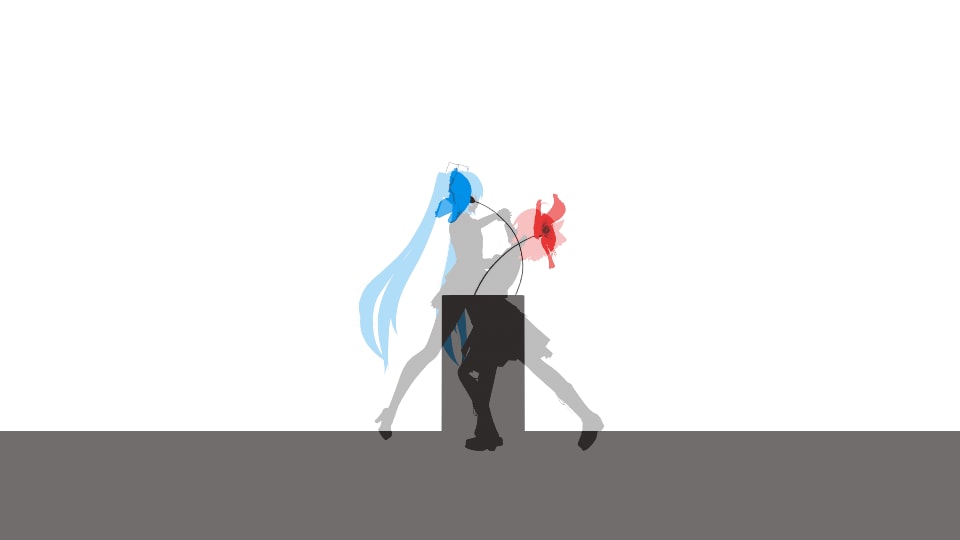
I just wanted to do this. Conversely, I hadn’t come up with any other visuals at all, so it was difficult to create.
Notes
- The flowers in the video are poppies.
- I thought about tying it to flower language, but it seems various people publish their own flower meanings freely and there’s nothing well-established, so I gave up.
- The two colors have slight meaning - magenta has a feminine impression, gentleness, and love imagery, while cyan has imagery of freedom and uninhibitedness.
- This is also why Miku is on the male side in the final picture pose and why she arbitrarily goes somewhere and disappears. Don’t care? Maybe you don’t care.
- I couldn’t come up with a satisfying song title, so please let me know if you think of a better one.